You haven't signed in yet, you can have a better experience after signing in
*Please complete the payment within {{receiveCouponInfo.expire_at}}Previous use*
You haven't signed in yet, you can have a better experience after signing in



Activity Rules
1、Activity time:{{ info.groupon.start_at }} ~ {{ info.groupon.end_at }}。
1、Activity time:cease when sold out。
2、Validity period of the Group Buying:{{ info.groupon.expire_days * 24 }} hours。
3、Number of Group Buying:{{ info.groupon.need_count }}x。
Please Pay Attention
1、Teamwork process: Join/initiate a Group Buying and make a successful payment - Within the validity period, the number of team members meets the activity requirements - Group Buying succeeded!
2、If the number of participants cannot be met within the valid period, the group will fail, and the paid amount will be refunded in the original way.
3、The number of people required and the time of the event may vary among different products. Please pay attention to the rules of the event.

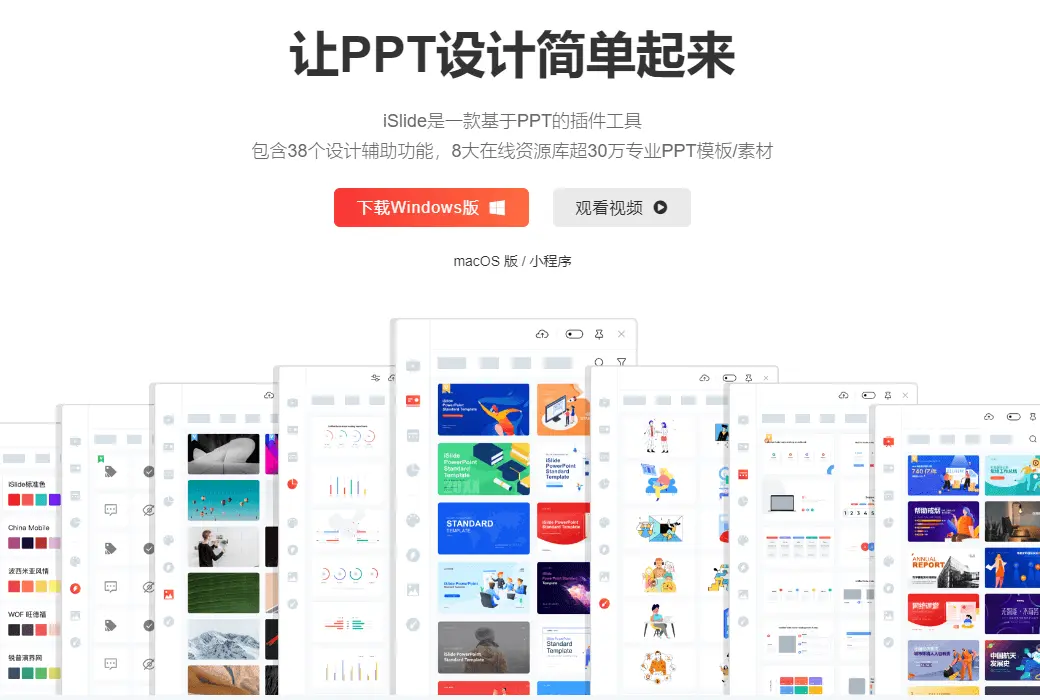
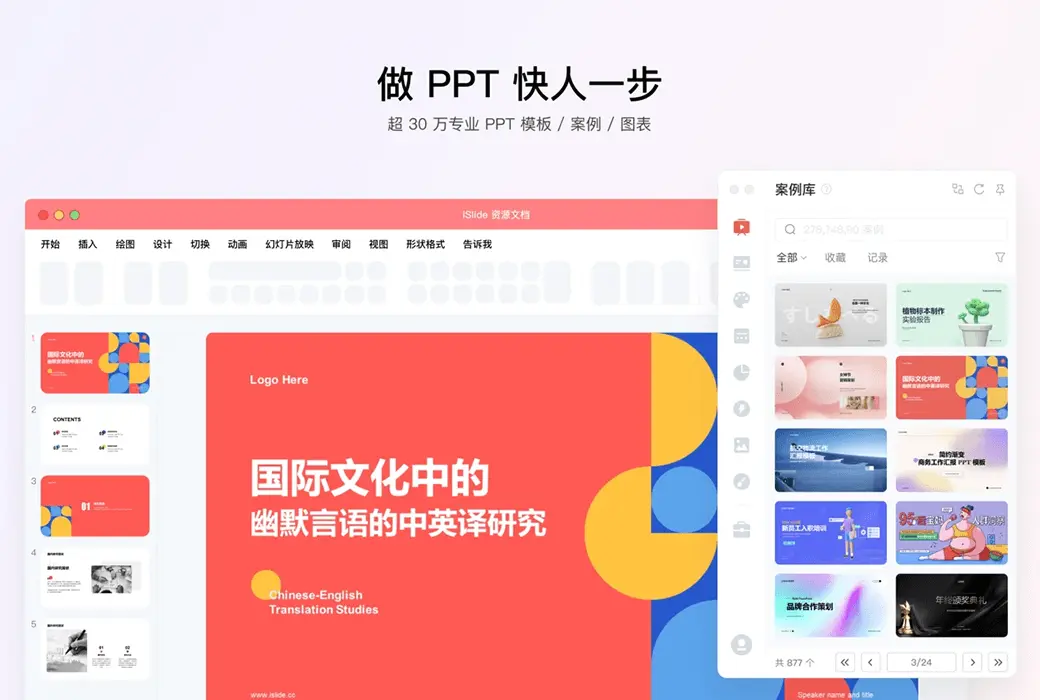
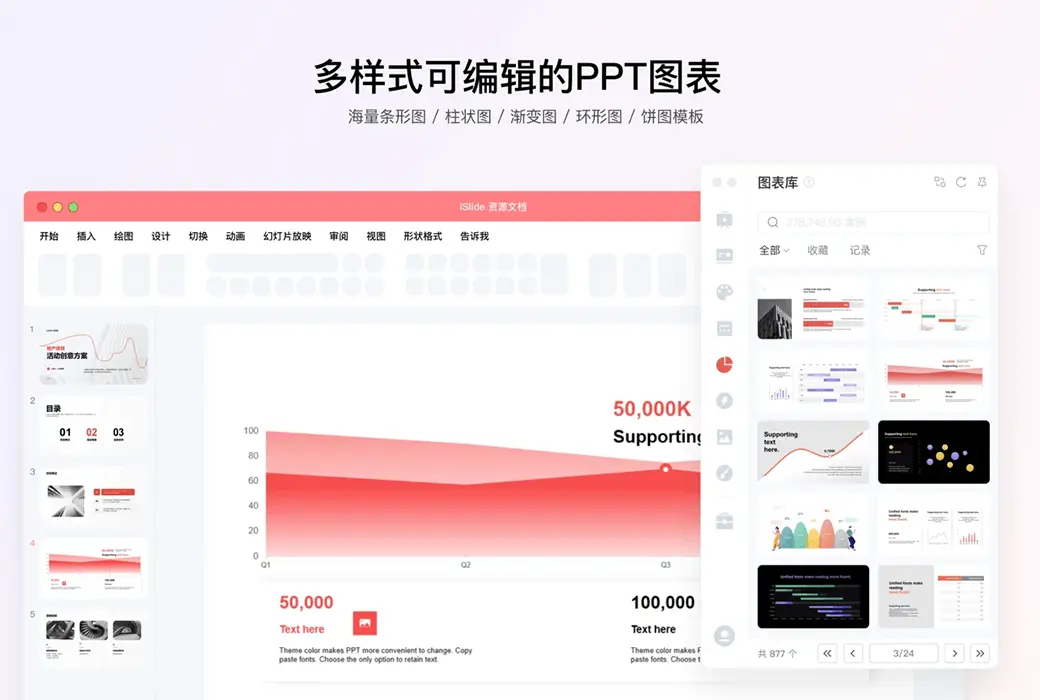
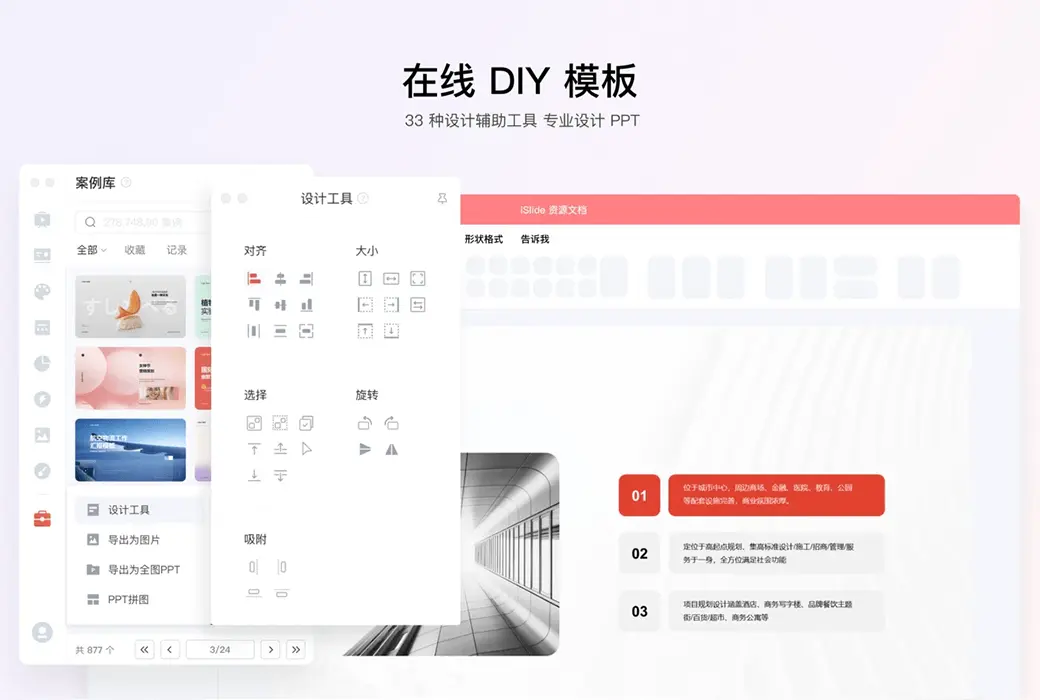
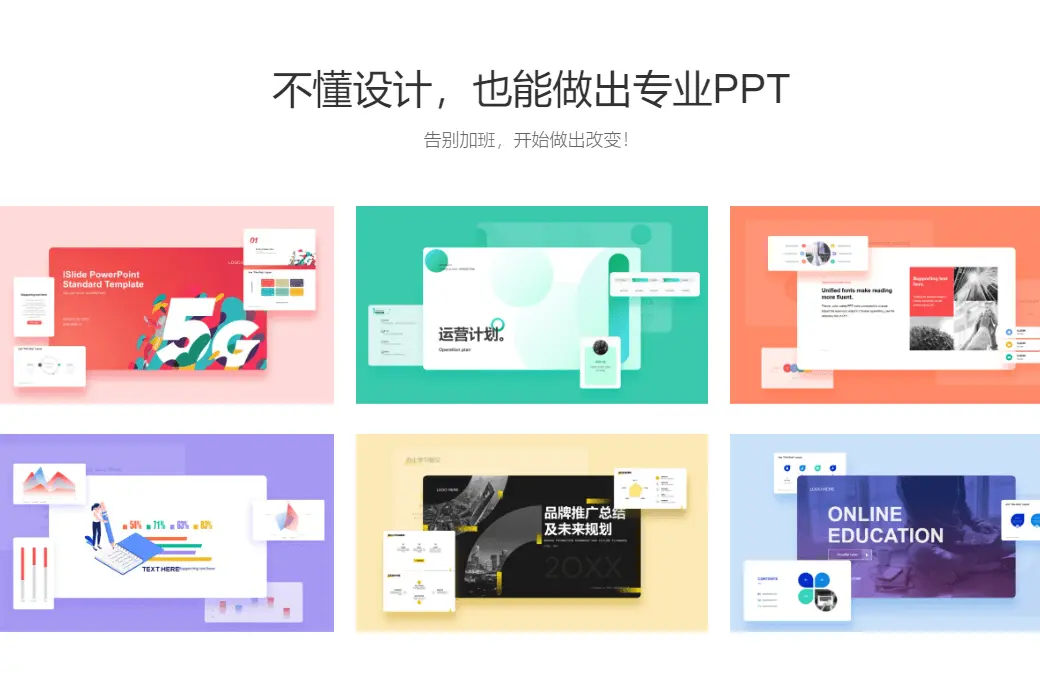
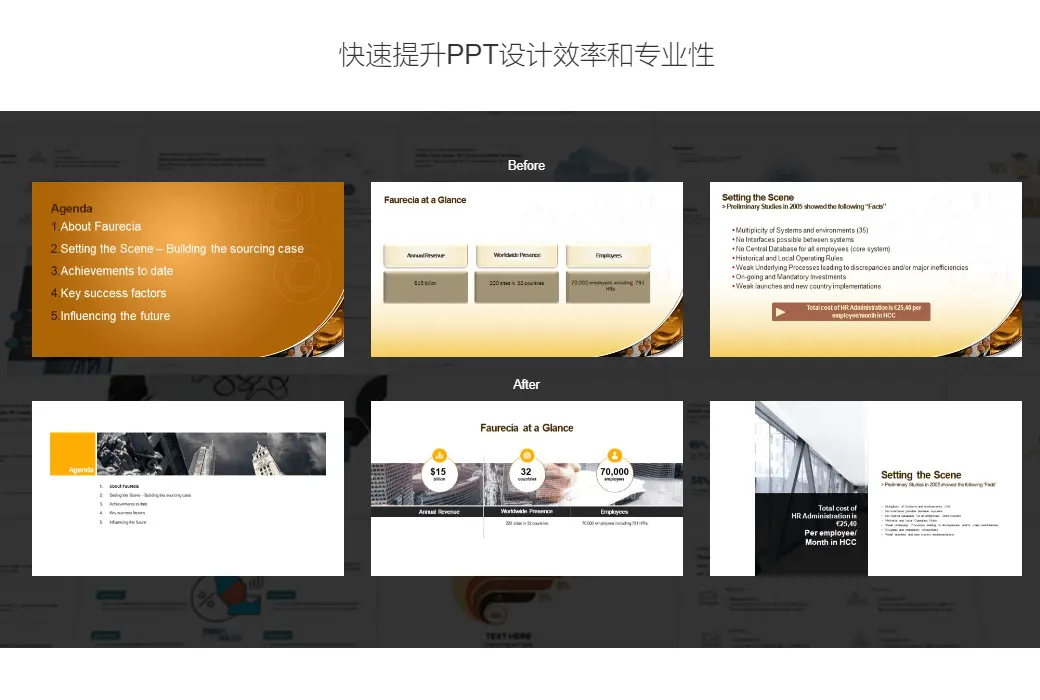
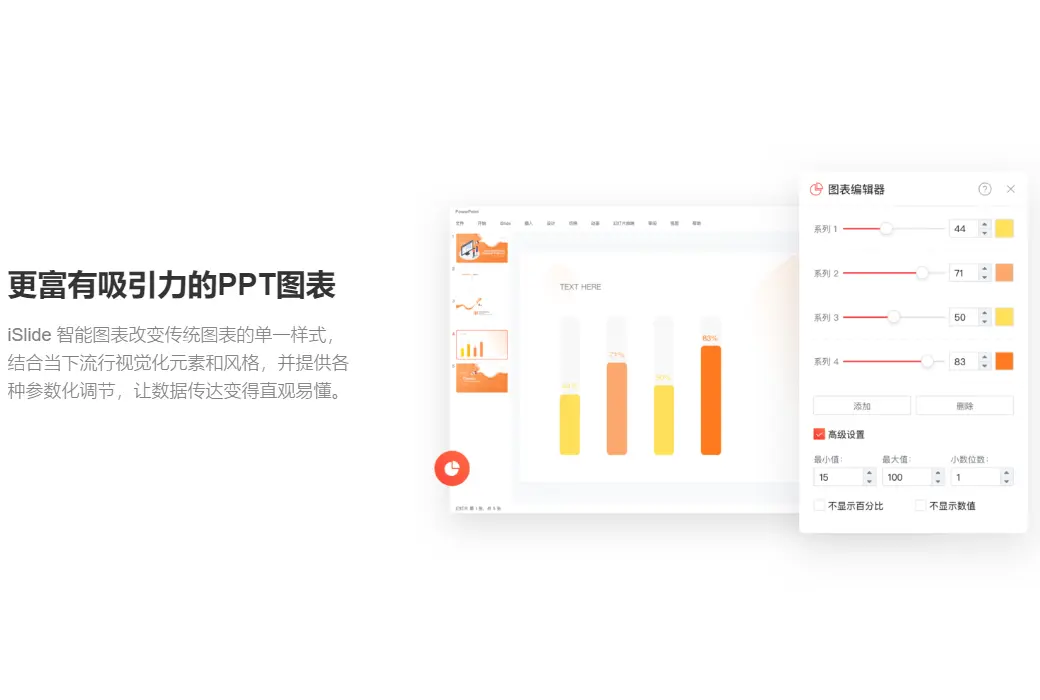
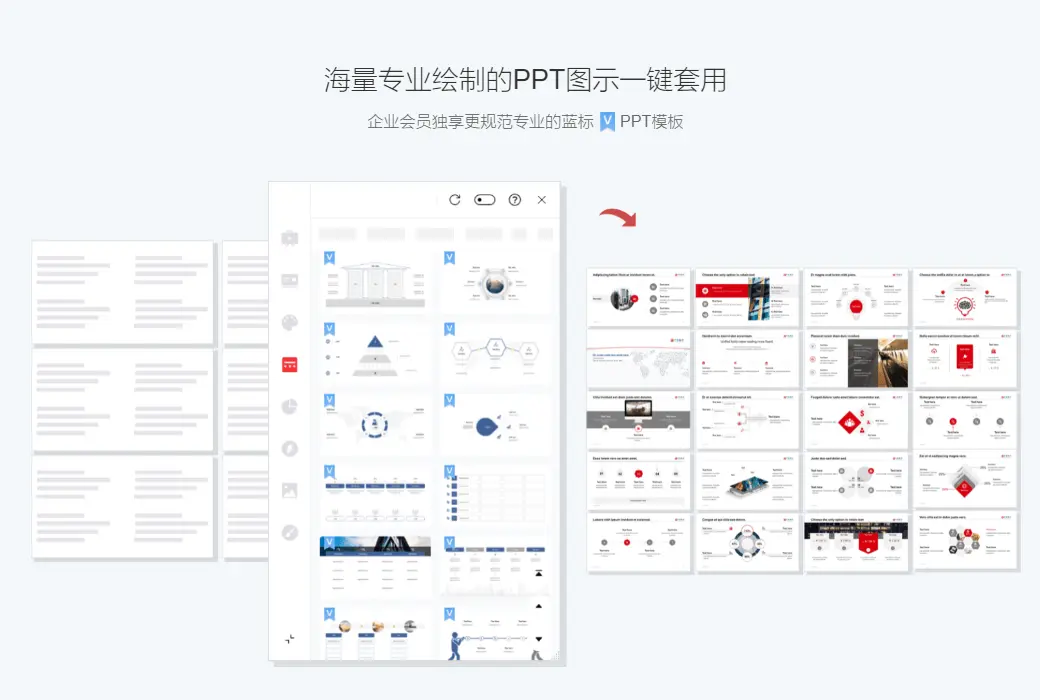
ISlide is an efficient plugin designed for PowerPoint, with three words to describe it: "simple," "efficient," and "fast. ISlide almost covers the difficult usage scenarios of the vast majority of users (excluding advanced PPT players), providing users with a large number of optional solutions to efficiently handle PPT design issues. ISlide provides more than ten quick functions, and the processing speed is very ideal, which can significantly reduce the cost of PPT production.
Diverse functions and simple operation
The core of iSlide is actually to complete a complex operation in the simplest way possible. Among the many functions, no operation is too complex, in order to save more production and design time, improve your work efficiency, and showcase your unique slides.
One click optimization
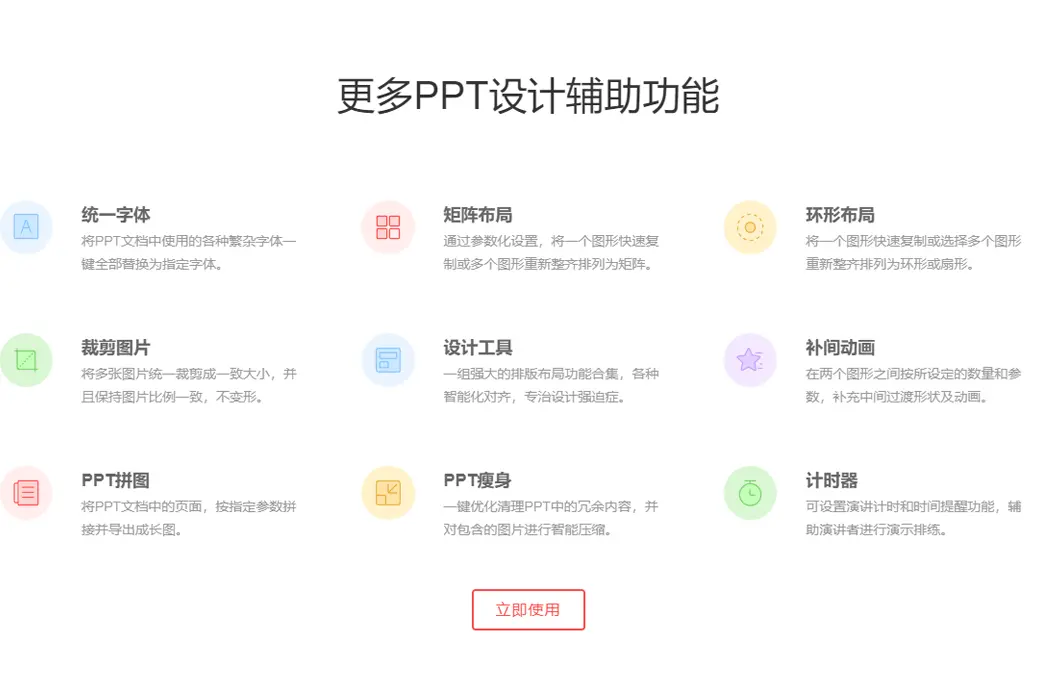
When using the same slide between multiple devices, there may be confusion in formatting and missing fonts. To achieve a good viewing effect, we need to repeatedly adjust our paragraphs and fonts. And this adjustment process is not simple, it requires us to adjust each page one by one, which is undoubtedly a great waste of time. ISlide provides us with unified fonts, standardized paragraph functions, and thoughtful extension options such as "select all slides" and "include hidden pages".
Efficient layout
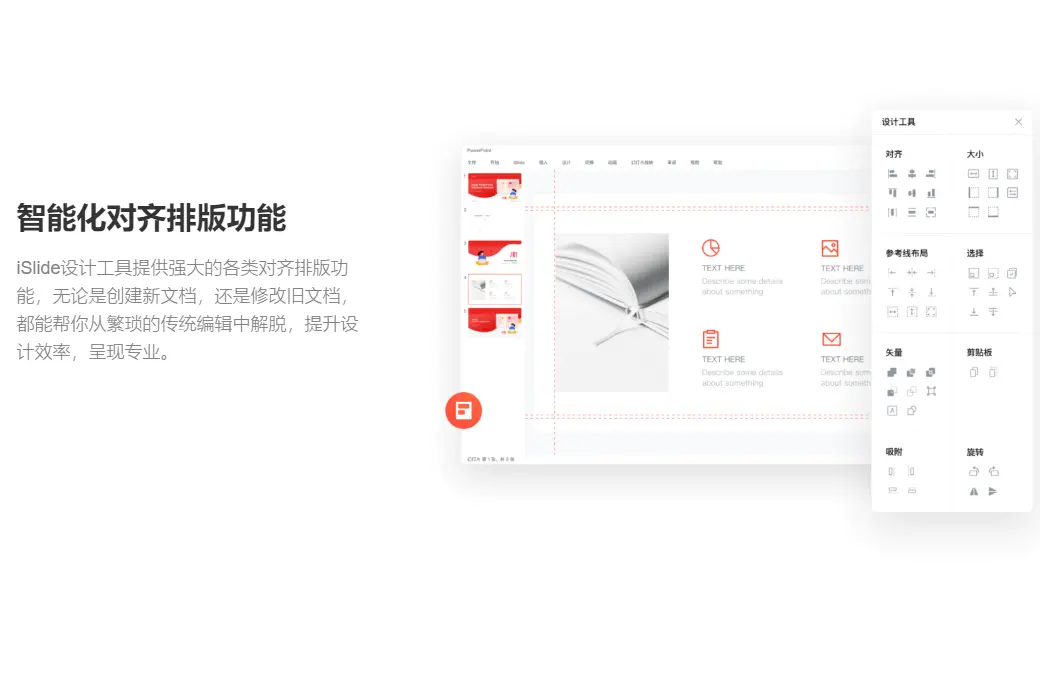
Images are one of the indispensable elements in PPT, and sometimes they can occupy multiple pages. Therefore, how to elegantly layout image materials of different sizes is a headache for us. The best solution is "rectangular layout" and "image filling". iSlide provides the function of quickly laying out background rectangular blocks, which can quickly build, layout, and merge rectangular blocks.
And for rectangles, we can also make minor adjustments, such as quantity, spacing, and offset angle. As long as you can think of any adjustments, iSlide is ready for you. How to layout a high grid background layout depends on your aesthetics! After completing the background rectangle layout, we only need to use PowerPoint's built-in image filling function to complete the image layout.
The rectangular layout is just a small point of intelligent layout. In addition to the rectangular layout, there is also a circular layout. Combined with PowerPoint's built-in features, it can take you to play with illustrations in various ways. Of course, you can also choose its built-in illustration library.
Universal Material Library
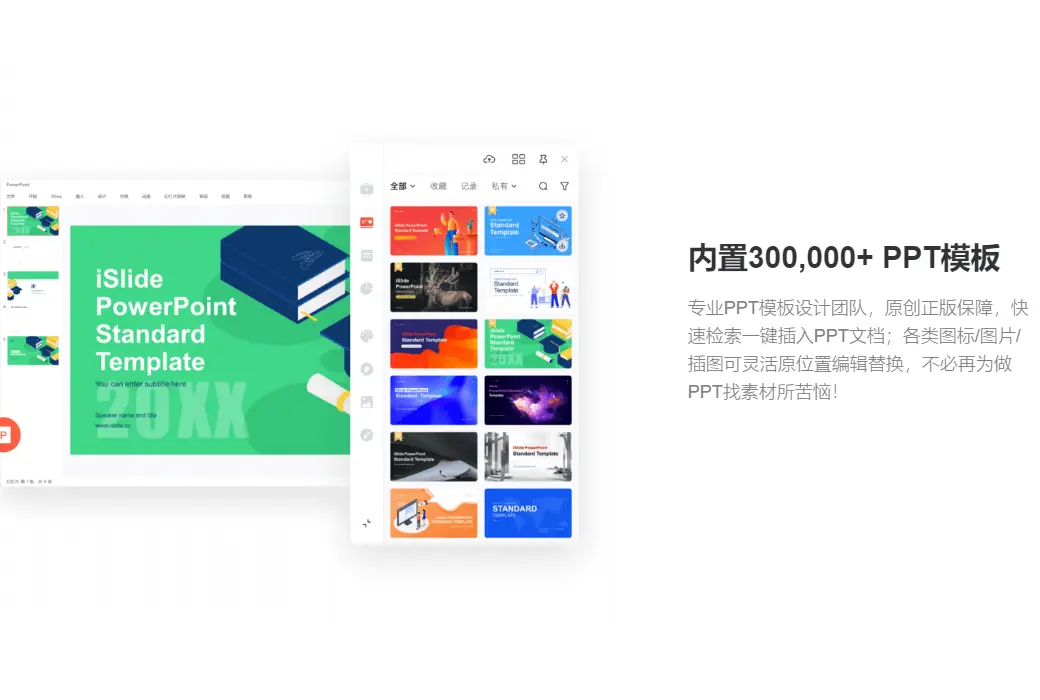
When making PPTs before, there was always the trouble of adding an icon next to some general words, because this visual expression is the key to enhancing the persuasiveness. But I often struggled to find suitable high-definition transparent vector icons until I encountered iconfont.
However, every time the pages switch back and forth, the download button is constantly clicked, and the drag and drop operation is repeatedly executed, it is still very frustrating, especially after the new Keynote provides a large number of icons, the defect of PowerPoint becomes even more obvious. ISlide provides a rich icon library in the PowerPoint interface, with nearly two thousand pages of icons for you to choose from. Although the icons inside may not be as exquisite as the ones you are looking for, this set of icons that can be modified in size and color with a consistent style can save you the time and complexity of searching and adding.
Official website:https://www.islide.cc
Download Center:https://islide.apsgo.cn
Backup Download:N/A
Delivery time:24-hour automatic shipping
Operating platform:Windows、macOS
Interface language:Supports Chinese interface display, with multiple languages available.
Update instructions:Use and free updates during the subscription period.
Pre purchase trial:Free version with limited functionality before purchase.
How to receive the goods:After purchase, the activation information will be sent to the email address at the time of placing the order, and the corresponding product activation code can be viewed in the personal center, My Orders.
Number of devices:You can install all your own computers, and only one device can be online.
Replacing the computer:Uninstall the original computer and activate the account by logging in to the new computer.
Activation guidance:Plugins --> Under my own user profile picture -> Use redemption codes.
Special instructions:One month is only available for new user activation. The one-year membership period is 360 days. A monthly membership is valid for 30 days.
reference material:https://www.islide.cc/ppt/member-intro

Any question

如果通过联想渠道下载的iSlide安装程序为默认使用联想账号登录。
解决方案
方案一:重新安装官方版本
1. 卸载当前版本:打开【控制面板】>【程序与功能】>【卸载程序】找到 iSlide,右键选择【卸载】
2. 下载iSlide公网版本,下载路径:全部文件 > iSlide 公网版 > Windows > iSlide-8.1.1.0-完整安装包.exe
下载地址1(OneDrive网盘):https://dwz.islide.cc/offline
下载地址2(百度网盘):https://dwz.islide.cc/offline2
3. 安装过程中,若提示“建议从联想应用商店安装安全认证的版本”请忽略该提示,继续安装iSlide公网版本;
4. 安装后若默认已登录账号,请先退出再重新登录。
方案二:保留联想版本,与其他登录方式账号合并
联想生成账号属独立账号,其余登录方式可在iSlide官网登录,并提供以下资料进行合并:
1. 提供需合并的 UID 账号截图【必提供项】
路径:依次登录后,点击账号头像 >> 个人中心 >> 账号编辑资料页面进行截图
2. 提供需合并的 iSlide 账号的注册地、最近一次登录地信息(省市级)【必提供项】
3.说明合并方法,如将 UID 123 合并到 UID 456,保留 456 账号为主体【必说明项】
4. 提供支付订单截图(支付宝/微信);若为渠道购买,则提供兑换码信息(若当前多个账号都为普通账号,则无需提供该项)
合并后,会员有效期保留/叠加,其他信息仅保留主体账号信息(如消息中心、AI历史记录等),非主体账号信息清除,合并操作不可逆。多登录方式将统一登录主体账号,非主体UID不显示,仅显示主体UID。
注意事项: